Browser Use vs Stagehand vs Playwright MCP (2026)
Browser Use vs Stagehand vs Playwright MCP compared on code, token cost, and workflow fit — pick the right AI browser automation tool in 2026.
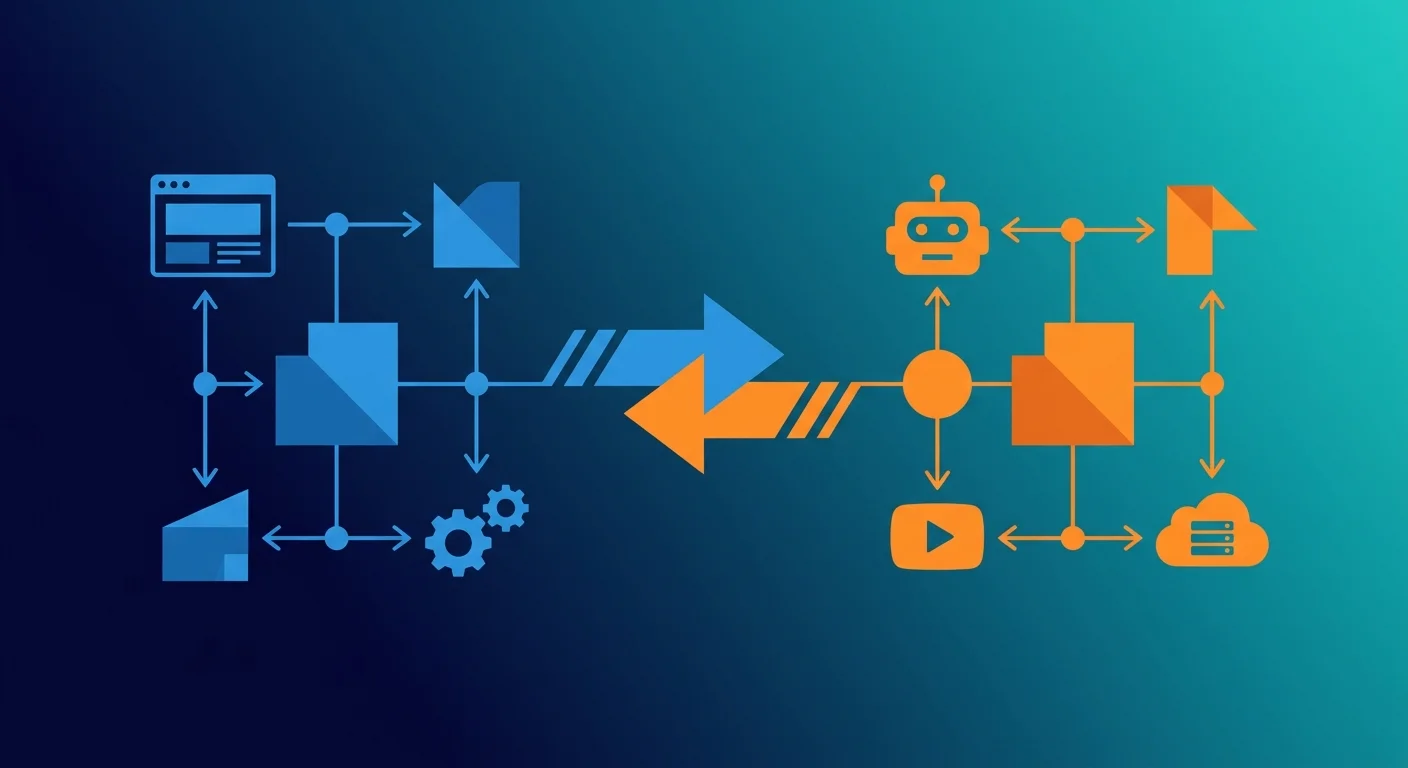
TL;DR: Shortlist Browser Use for a Python browser agent, Stagehand v4 for application-controlled browser automation with AI primitives, and Playwright MCP for an existing MCP client. Compare the same task, browser state, model, and completion criteria before deciding on reliability or cost.
Key Takeaways
- Browser Use provides an agent loop; Playwright MCP exposes browser tools whose caller supplies the planning loop.
- Stagehand v3 has a built-in `agent()` loop. Stagehand v4 removes it: application scripts or an external model/tool loop own control flow, while `act`, `extract`, and `observe` remain.
- SDK generations matter. Current Stagehand examples differ from older `stagehand.page` examples, and browser libraries should not all be described as Playwright wrappers.
- Browser state and authentication need an explicit lifecycle. Playwright MCP documents persistent profiles and isolated sessions with storage-state input.
- No comparative benchmark was performed for this refresh. The evaluation record below leaves measurements blank until an actual run produces them.
What problem does AI browser automation solve?
Browser tools help an agent interact with a UI when the task cannot be completed through a suitable application API. The central choice is who owns navigation, recovery, and completion checks: an integrated agent, your application, or an existing MCP client.
A documentation lookup and an authenticated report download have different requirements. Choose using the task's allowed actions and definition of success, rather than a general “best browser agent” ranking.
What are Browser Use, Stagehand, and Playwright MCP?
The following distinctions were checked against the official repositories and documentation on September 11, 2026.
Browser Use is a browser-agent project with a Python interface. Its quickstart constructs an Agent with a task and an LLM, then awaits agent.run(). Supported model adapters and browser options are release-specific; an arbitrary LangChain model object should not be assumed interchangeable with the current Browser Use adapters.
Stagehand offers AI actions, observation, structured extraction, and browser control. The current repository examples use a CDP engine and Playwright-style APIs; older examples built around stagehand.page are not universal setup instructions. The v3 agent guide documents a built-in agent() loop, but the v3-to-v4 migration guide explicitly removes it in v4. In v4, run application scripts or supply an external model/tool loop; there is no one-for-one built-in replacement. The primary comparison here uses v4, with v3 examples labeled separately.
Playwright MCP is Microsoft's MCP server for browser automation. It exposes Playwright tools to a compatible client and uses structured accessibility snapshots for page interaction. Screenshot tools are available, but a vision model is not required for the core snapshot workflow. The client decides which tools to call and when the task is complete.
How do the three approaches compare?
This is an architecture comparison, not a measured speed or success-rate table. GitHub stars do not establish suitability for a workload.
How do they differ on architecture, page understanding, and recovery?
The useful architectural question from the original comparison remains: who drives the browser automation loop? Consider a read-only task to locate a report, open its detail page, and return its publication date.
With Browser Use, the task can be given to an agent that chooses intermediate actions from the observed page. Your application supplies the goal and validates the result. This is useful when the navigation path is not fully known, but it also means the run may take a different path on another attempt.
With Stagehand's primitives, application code can specify “open reports, inspect the filter, select a period, extract records.” The LLM helps interpret the page at the chosen steps. In v3, agent() can plan more of the sequence. In v4, that built-in orchestrator is gone: choose code mode or implement an external tool-calling loop as described in the migration guide. A benchmark must record both the version and the owner of that loop.
With Playwright MCP, the existing client chooses calls such as navigation, snapshot, and click. The server carries out browser operations; the client's model, instructions, and retained history determine planning. Changing the client can change the workflow even when the MCP server version stays the same.
What do act, observe, and extract contribute?
Stagehand's documented primitives separate different responsibilities. observe identifies candidate actions, act performs a requested action, and extract returns information using an extraction instruction and schema. A developer can inspect an observation before acting and validate extracted fields against the task's requirements.
For the report example, extracting a date string establishes only that a field was returned. The application still needs to check that it belongs to the intended report and is a publication date rather than a “last viewed” timestamp. A typed result is useful, but it is not a factual correctness proof.
How does page representation affect the workflow?
An accessibility snapshot gives a client a structured representation with references to elements; a screenshot supplies visual evidence. The representation that is useful depends on the page. A labeled form and a canvas-only chart expose different information.
After navigation or a major UI update, reacquire the relevant state before using stale references. Inspect missing labels and dynamic loading as separate failure cases. There is no verified basis here for assigning each representation a universal token range or an accuracy ranking.
How should error recovery work?
An agent can inspect a failure and propose another action, while a scripted workflow can use explicit retry or recovery branches. Neither establishes that repeating the action is safe. If a form submission times out, first determine whether the application accepted it; blindly clicking again can duplicate the operation.
For read-only extraction, a bounded retry after a known loading state may be reasonable. For writes, use application-specific confirmation and idempotency where available. Track retries and failures in the evaluation record so apparent success does not hide repeated work.
What changes for multi-page and multi-tab flows?
Keep an explicit relationship between the logical task and the active page. A download opened in a new tab, an authentication redirect, and a report detail page can all leave the original page behind. Verify page selection and session state before extracting or acting.
Browser Use exposes browser configuration for the agent, Stagehand exposes the browser interface for the selected SDK, and Playwright MCP exposes tab operations to its client. Test the actual tab transition needed by your task rather than using a generic “multi-tab supported” checkbox.
Which checklist should decide your first pilot?
Use one task you already understand, with the same input and acceptance criteria for each candidate.
For the distinction between a framework and its hosting layer, see AgentCore vs LangChain. For MCP request and tool boundaries, see our MCP interaction analysis.
What does a reproducible extraction example look like?
Conceptual fixture, not a benchmark: use a local test page containing three article cards. Ask for each card's title and URL in displayed order. Keep the browser viewport, page contents, model configuration, and login state fixed. Then introduce a loading delay or a missing optional field in separate cases.
A failed run stays in the denominator. Preserve its error and the page state rather than rerunning until the result looks good. For an extraction fixture, compare against the expected records in code; do not ask the same model to judge whether its own output is correct.
The following Browser Use sketch follows the documented task/LLM/run shape. configured_llm is a supported adapter you supply; this is not a complete executable example or a claim of a successful run.
For Stagehand, use extract with a schema from the documentation for your installed generation. Current repository examples return extracted content under data; older versions use different initialization and return shapes. Do not mix those snippets in one application.
What does a version-scoped Stagehand extraction look like?
The version 3 extraction guide documents an instruction plus a Zod schema. In this partial example, stagehand is an already-initialized instance from that SDK generation and the fixture page is already open:
Compare the extracted values against the fixture after checking the return shape for the exact installed release. The newer repository example shown in the introduction uses a data wrapper; do not silently copy initialization from one generation and output handling from another.
For action discovery, consult the observe guide, and for action execution/caching consult the act guide. If reusing an observed action, test that it still applies after the fixture changes; cached targeting is not proof that the page still means the same thing.
How do you connect Playwright MCP to an existing client?
Microsoft's documented local-server configuration has this shape:
This is a discovery example, not a reproducibility pin. For a controlled pilot, replace latest with the release actually tested and record the client version. Verify the client's own configuration location and supported transport. A stdio server configuration cannot simply be pasted into an unrelated remote gateway.
Run against a test page first. Ask the client to navigate, inspect the accessibility snapshot, extract the requested fields, and report the observed result. Use deterministic application tests for release assertions that must hold regardless of the client's reasoning.
How should authentication and sessions be handled?
Browser Use's browser parameters document options such as user_data_dir, storage_state, and cdp_url. Select the one appropriate to the installed version and deployment. A saved state file does not override the target site's session expiration or authorization rules.
Playwright MCP documents persistent profiles, --user-data-dir, and isolated sessions using --isolated with optional --storage-state. The old claim that state cannot persist across server restarts without external management was too broad. Assign profiles deliberately and avoid sharing one writable profile across unrelated tasks.
For Stagehand, configure persistence through the browser integration used by that SDK version. A hosted browser session and a local browser profile are different operating choices. Confirm that the test account, cookies, and downloaded files stay within the intended task boundary.
How do you compare reliability and cost without invented benchmarks?
Record all attempts on the same fixture revision. Separate browser startup, navigation, model wait, extraction, and retry time where instrumentation permits. Report sample size, completion criteria, model/provider, browser environment, and the distribution of elapsed times.
Model cost should use the provider's actual usage categories and rates: uncached input, cached input or cache writes where applicable, output, and any separate charges. Add browser hosting and tool-service charges separately. A “tokens per action” estimate cannot establish task cost when tools use different planning loops or retry policies.
Keep cold and reused sessions separate. If candidates require different models, label the result a comparison of configured systems rather than attributing the difference solely to the browser library. This article supplies no verified basis for a fixed “3–4× cheaper” claim or a universal latency ranking.
Use the observability comparison to retain traces and context engineering guide to interpret repeated page context and cache effects.
How do browser tools fit into an existing agent framework?
Keep the same application contract regardless of which browser integration you choose. A parent workflow should receive an explicit result or failure rather than an unstructured claim that browsing is done.
For example, a graph node can delegate one browsing step to Browser Use. A service can call Stagehand during a known extraction sequence. An MCP-capable agent can call Playwright MCP directly. In each case, propagate cancellation and preserve the evidence the parent needs to verify completion.
Do not launch a second autonomous loop just to rename the tools. The additional layer should solve a specific navigation or integration requirement and have its own bounded responsibility.
When should you combine these tools?
Combine them only when ownership stays clear. For example, an existing agent could delegate one bounded browser task to Browser Use and validate its returned result. An application could use Stagehand for extraction within a known navigation flow. An MCP client could use Playwright MCP to inspect a failing test page during development.
These are architecture examples, not claims of plug-and-play compatibility. Define who owns the browser session, retry budget, cancellation, and final success check. Adding another agent loop without those boundaries can repeat work or side effects.
FAQ
Is Browser Use better than Stagehand for web scraping?
Shortlist by navigation requirements. Browser Use supplies an integrated agent loop. Stagehand v4 supplies SDK primitives for application code or an external loop; v3 additionally has built-in agent(). Compare the selected versions and loop configurations on the same authorized pages and expected output. Neither architecture alone establishes a cost or accuracy winner.
Can I use Playwright MCP for automated testing?
A compatible client can navigate and inspect a test application through the server. Treat the agent's exploration as debugging assistance; retain deterministic assertions for behavior that gates a release. The server's official README documents supported clients and tools.
How do these tools handle CAPTCHAs and bot detection?
Do not assume any of the three guarantees access through a site's challenge or access controls. For an authorized workflow, agree on a test environment, supported API, or manual handoff with the site owner. Record blocked attempts as failures or excluded cases under a rule set before testing.
What is the token cost difference between the tools?
There is no verified universal difference in this article. Measure complete tasks, including planning, snapshots, screenshots, retries, and failures, with recorded model rates and browser charges. The fixture above provides a common starting point.
Does Stagehand v4 still include agent()?
No. The official v4 migration guide removes the built-in agent() orchestrator. Use a reviewed script or an external model/tool loop with the v4 API. The version 3 agent documentation remains relevant only to v3; it is not evidence of that API in v4.
Does Stagehand require a cloud browser?
Its documentation describes browser configuration separately from automation primitives. Check the local or hosted setup for your SDK generation and chosen model provider; do not infer provider compatibility from an older modelName example.
How does Browser Use preserve authentication?
Use its documented browser-state or profile options for your version. Verify state reuse with a test account and confirm expiration and tenant separation. Persistence is a configuration choice, not a promise that a website will keep a session valid indefinitely.
Sources
- Browser Use repository and agent quickstart
- Browser Use browser configuration parameters
- Stagehand repository and current SDK examples
- Stagehand v3-to-v4 migration and removal of agent()
- Stagehand version 3 agent interface
- Stagehand version 3 structured extraction
- Stagehand version 3 action discovery
- Stagehand version 3 action execution and caching
- Microsoft Playwright MCP tools, configuration, and profiles
Subscribe to the newsletter
About the Author
Aaron is an engineering leader, software architect, and founder with 18 years building distributed systems and cloud infrastructure. Now focused on LLM-powered platforms, agent orchestration, and production AI. He shares hands-on technical guides and framework comparisons at fp8.co.
Cite this Article
Related Articles
How Cline Implements MCP: Source Code Deep Dive (2026)
Cline MCP internals decoded: JSON-RPC 2.0 messaging, tool discovery, security approvals, and spec compliance — all from real source code.
Agentic AIAI Coding Agent Architecture: Agent Loop Deep Dive
Explore how Claude Code, Cursor, Aider, and Cline work under the hood. Agent loops, tool dispatch, and edit strategies explained.
AI EngineeringAgentCore vs LangChain: 2026 Framework Guide
Compare AgentCore and LangChain for AI agents. Architecture, pricing, and deployment trade-offs explained with code.
AI Engineering